
How to Search Cases by Name
Open Indiana MyCase and choose Name. A person search needs a last name plus a first name, middle name, or birth date. Birth date helps match but is not displayed and may not work for all civil matters. Business search uses the organization's name. Start exact before using sounds-like.
- Open MyCase and select Name.
- Choose Person or Business.
- Select Vigo County or Terre Haute City Court.
- Add type, status, and filing dates.
- Match the court, style, type, and date before opening the CCS.
| Field Label | Type | Required | Notes |
|---|---|---|---|
| Last name | Text | Yes | Combine with another person field. |
| Last name | Text | Yes | Combine with another person field. |
| Court and case type | Selectors | No | Narrows results and false matches. |
| File date range | Date | No | Narrows filing date, not hearing date. |
Vigo MyCase Search Fields
MyCase separates Case, Name, and Attorney routes. Case accepts a number, citation, or cross reference. Name distinguishes person and business searches. Attorney search supports a bar number, which is more precise than a name. Court, case category, status, and file dates narrow all routes.
| Route | Best input | Limit |
|---|---|---|
| Case | Exact number | One identifier at a time |
| Person | Last plus first, middle, or DOB | Common names stay broad |
| Business | Organization name | Punctuation and naming matter |
| Attorney | Bar number | Representation can change |
The portal may cap results at 1,000. Narrow the query instead of refreshing it.
Vigo MyCase Search Screen
The official interface presents the routes and filters before any result is opened. It supports anonymous searches of public, nonconfidential information.
Open the official MyCase search represented here.
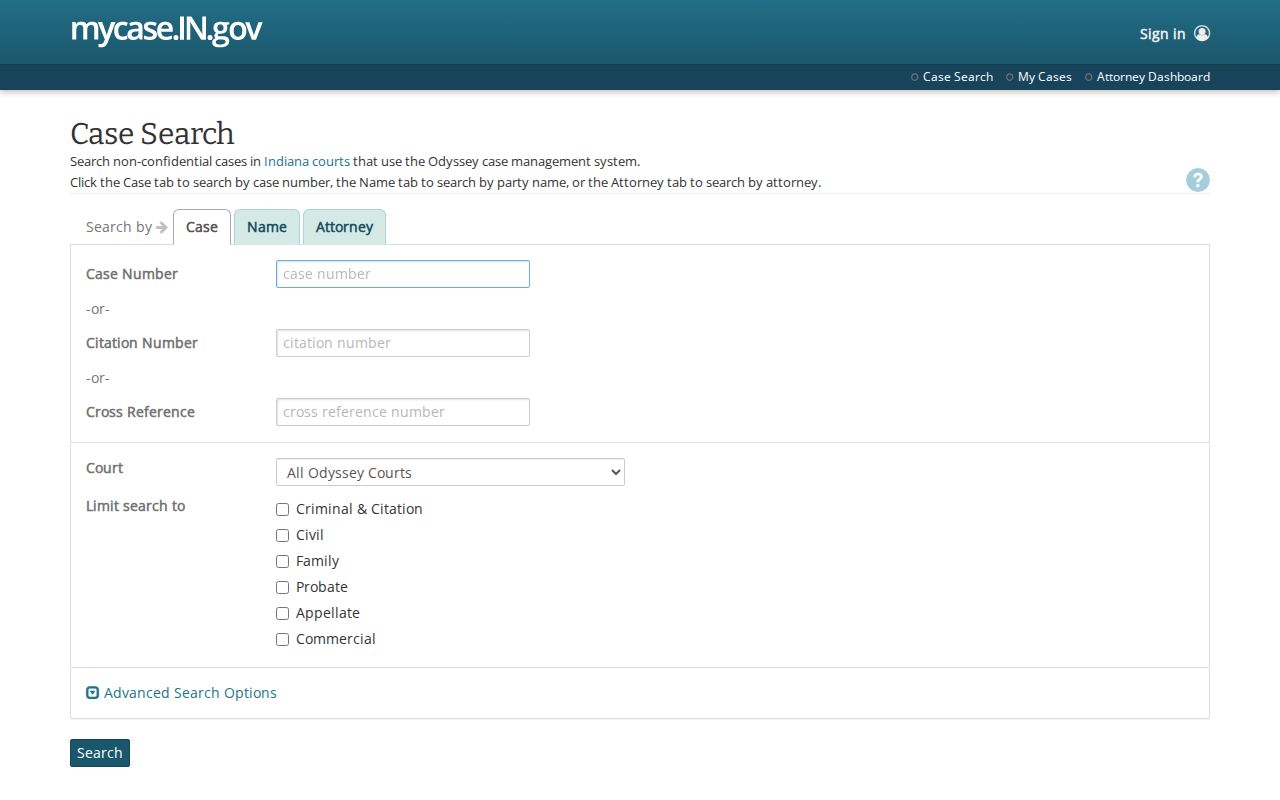
The screen is a search tool, not a certified case record.
How to Search by Case Number
A synthetic Vigo format is 84D01-2608-CM-000123. Its blocks identify court, filing year and month, type, and sequence. It is not a real lookup. Exact form is safest, though MyCase may accept omitted hyphens or leading zeroes.
Case Search accepts one case number, citation, or cross reference at a time. For an older converted file, test format variants, then ask the clerk about the legacy identifier.
Vigo Case Number Anatomy
County code 84 anchors current Vigo identifiers. C01 denotes Circuit Court, D01 through D06 the Superior divisions, and H01 Terre Haute City Court. Type codes then distinguish a misdemeanor, infraction, civil collection, small claim, eviction, or other matter.
See the official MyCase search tips illustrated here.
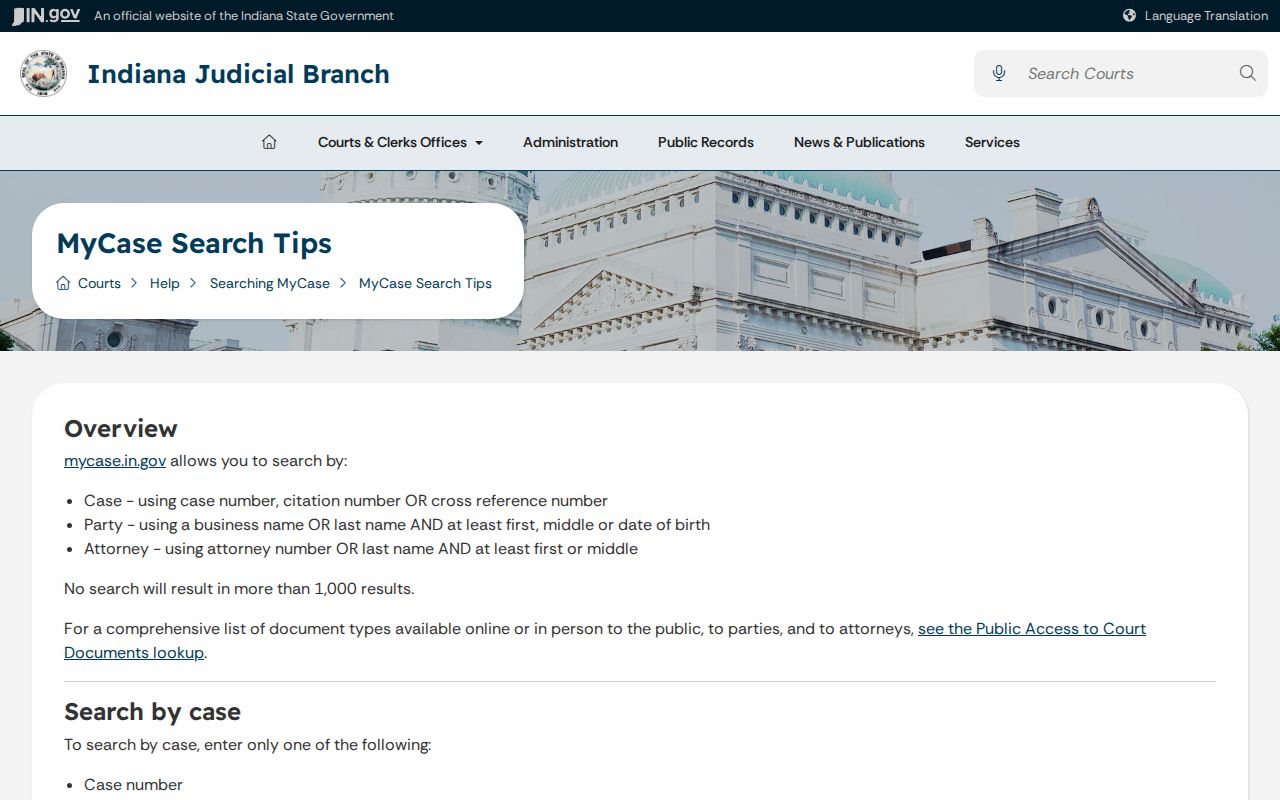
The official tips explain wildcard and narrowing behavior without exposing a live party record.
What a Case Search Shows
Results can be sorted by number, file date, style, or status date and viewed as a list or table. The detail header gives the filing court and core identifiers. The CCS places public events in date order. Sort order does not change the record.
| Case number | Court, filing period, type, and sequence. |
|---|---|
| Style and parties | Caption and public party roles. |
| Case type | Criminal, citation, civil, family, probate, or another code. |
| Filed date | Date the case opened, not the hearing date. |
| Status | Open or closed system state, not an outcome. |
When Vigo Results Are Too Broad
A common name may return unrelated courts and case types. Add Vigo County, choose Criminal & Citation, Civil, Family, or Probate, and set a filing range. For City Court, use the distinct “Vigo County - Terre Haute City Court” choice. A citation or case number is safer than identity by name alone.
Search rule: Confirm court, case type, file date, and party role before treating a row as the intended case.
County vs Statewide Case Search
Indiana MyCase is the statewide public search and includes available Vigo Circuit, Superior, and Terre Haute City Court records. Vigo County's Document Center holds rules, forms, fee sheets, and division materials. It is not a live party or number search.
| Indiana MyCase | Vigo Document Center |
|---|---|
| [COVERAGE - all participating counties] | [COVERAGE - this county only] |
| [DEPTH - index-level detail] | [DEPTH - full local docket] |
| [BEST FOR - multi-county name check] | [BEST FOR - a known local case] |
MyCase Is Not the Official Record
MyCase is a public convenience display. Converted events, missing document links, delayed financial entries, and data limits can affect what appears. The clerk or court holds the official record and supplies certified copies.
Review the official MyCase terms shown in this image.
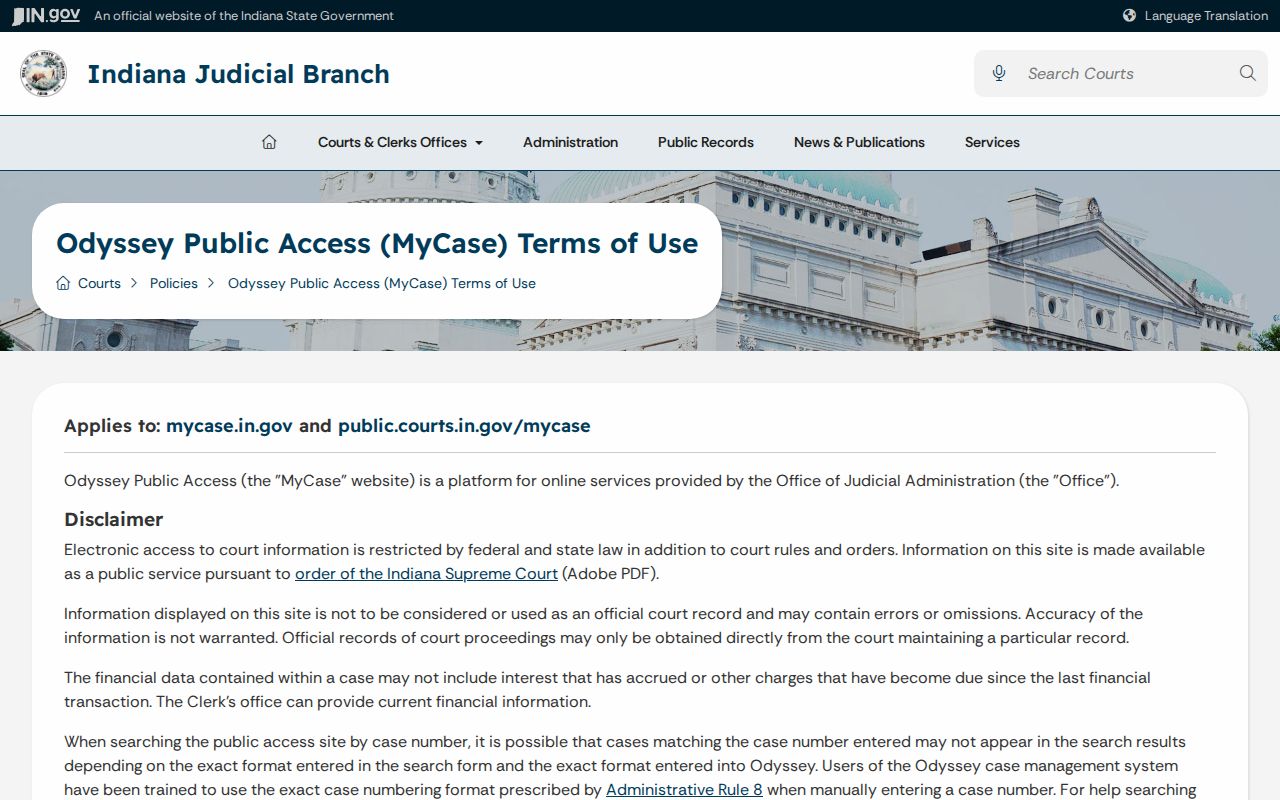
The notice is why a portal screenshot should never replace clerk verification.
Restricted Cases and Access Rules
Indiana Access Rule 5 protects listed cases, documents, and data. Juvenile, paternity, mental-health, treatment, victim, witness, and personal-identifier material can be restricted. Protection-order cases use a specialized portal where authorized. Granted expungements may be removed.
A missing result is not proof that no record exists. Clear filters, test the correct court and legacy number, and ask the Vigo County Clerk which route applies. Excluded material uses the verified Rule 9 court process.
Vigo Public Documents Online
Some civil orders, nonconfidential documents, criminal final orders, and other public files can appear through MyCase. The available set depends on case type, date, conversion history, court participation, and access rules. An event line without a file does not prove the document is confidential.
See Indiana's public-document guidance shown here.
Ask the Vigo County Clerk for inspection or a copy when a public document is not displayed.
Vigo No-Result Troubleshooting
A no-match screen can mean the wrong court or type, different spelling, converted number, confidentiality, expungement, a specialized route, or older data. Remove advanced options, then test the other Vigo court selector and known number forms.
Do not try to evade a restriction. Give the clerk the known court, filing period, type, and identifier. Public-search absence does not prove no case exists.
Vigo CCS Events After Search
Confirm the header before reading the chronology. Then follow CCS entries in order. A document icon may link to a public file. Hearing entries may add session, result, comment, cancellation reason, and location.
Criminal views can include charges, bonds, dispositions, judgment, and financial data. Civil views can include complaints, service, motions, orders, judgment, and satisfaction. The clerk controls current balances and official copies.
Vigo Anonymous Public Access
Anonymous users can search public, nonconfidential MyCase information. Registered or party access does not make every protected record public. Access depends on the case, document, role, order, and court rules.
E-filing is separate. It routes filings into Odyssey, while MyCase publishes selected public information. The public cannot browse the submission queue. Contact the Vigo County Clerk for the official file.
Vigo Lookup Match Checklist
A name match alone is weak. Compare the filing court, case type, file date, status, and party role. In a business case, verify the entity name. In an attorney search, remember that representation may change. In a citation search, compare the cited number and the court shown on the ticket. These checks reduce the chance of opening an unrelated public case.
After the match, separate event labels from conclusions. Filed means the court received a matter. Scheduled means an event was placed on the calendar. Closed is a system status, not a statement that every balance or later issue has ended. A document icon means a file may be available, while no icon does not prove that access is barred. For a certified copy or complete file, record the exact court, number, document, and date, then contact the Vigo County Clerk or the responsible lower court.