
Vigo County Court Calendars Explained
No current single Vigo-wide daily hearing-calendar page was found. MyCase places hearing events inside each case's CCS. Indiana Administrative Rule 9(E) requires courts to make daily calendars or dockets available with case number, caption, date, time, and location, subject to access rules, but it does not promise one county web page.
The Vigo Document Center contains an old Division I “Today's Docket” item from 2009. That archive is not a live calendar. Ask the responsible court office where its current daily list is posted.
Vigo Has Separate Court Calendars
Vigo Circuit Court uses 84C01. Six Superior divisions use 84D01 through 84D06. Terre Haute City Court uses 84H01 and has its own MyCase selector. The case number and notice identify which office owns a setting.
Local rules state general public office hours, but the presiding judge sets the schedule. Office hours are not hearing times. A session label may describe a group of cases.
Finding Your Court Date
Use the exact number when possible. In Indiana MyCase, choose Vigo County or Terre Haute City Court, open the match, and read the newest hearing and CCS events. Check for a later cancellation, reset, or continuance. Narrow a name search by court, type, status, and file date.
- Open MyCase and choose the filing court.
- Search by exact case number or narrow name details.
- Read the latest hearing and later CCS events.
- Compare the court notice and call the court office.
MyCase Vigo Hearing Events
MyCase can show event date, session, comment, result, cancellation indicator, reason, and sometimes location. “Scheduled” is not an outcome, and “canceled” does not dismiss the case. The official source below explains Indiana's calendar-access framework.
View Indiana Administrative Rule 9.
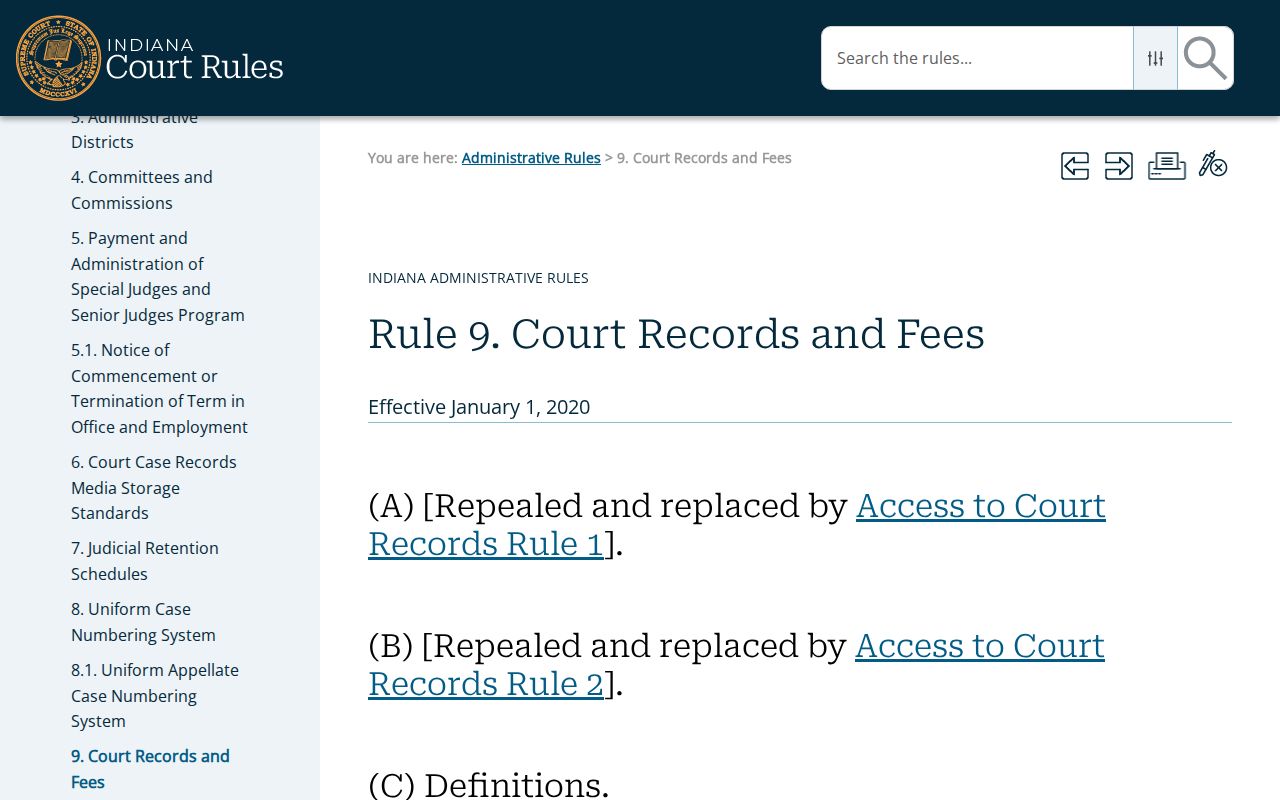
The rule supplies a statewide baseline, while Vigo court offices keep current settings.
How to Read a Court Setting
Read a Vigo setting as a group of fields. Match it to the court and case number first. Then note session, comment, result, cancellation field, and location where supplied. Review the CCS for a later order.
| Date | Scheduled event date, distinct from filing and status dates. |
|---|---|
| Session | A time or court block, not always an exact start. |
| Location | Courtroom or place where supplied; compare the notice. |
| Court | The Circuit, Superior, or City Court office. |
| Result | Scheduled, held, reset, continued, or canceled as entered. |
Vigo Calendar Terms in Context
Calendar words describe a procedural event, not a final result.
- Setting
- A scheduled court event.
- Session
- A court time block.
- Reset
- A setting moved to another date.
- Continued
- An event postponed for later action.
- Canceled
- The listed event will not proceed as shown; the case can remain open.
When two dates appear, identify their fields. One may be a filing date and the other a hearing date.
Continuances, Resets, and Cancellations
A moved Vigo date should produce another event or order, but online data can lag a same-day action. Read past the original entry. Look for a later result, cancellation reason, new setting, or order. Do not assume a vanished date resolved the case.
Call the responsible division when the appearance is near. The clerk can identify the case, while the court office can confirm how its schedule is being handled.
Vigo Court Date Verification
If an online setting and a paper notice differ, contact the responsible court office. Read any later CCS event first and note its date, result, and cancellation text. Ask whether the listed time is an arrival time, exact hearing time, or session block. Do not rely on the visibly dated 2021 schedule still displayed on the Terre Haute City Court schedule page without fresh confirmation.
Quick check: The newest court-entered event and direct court confirmation are more reliable than an old county calendar file.
If You Miss a Court Setting
Contact the court named on the notice at once. Give the case number and ask what event was entered, whether a new date exists, and whether an order requires action. Then review MyCase for a later CCS entry. Do not assume the clerk can cancel an order or reset a hearing informally.
Missed a Setting? [ONE-SENTENCE WARNING - missing a court date can trigger a failure-to-appear, a bench warrant, or bond forfeiture.]
[ONE SENTENCE - what to do first, e.g. contact the clerk or your attorney immediately to request a new setting.]
Seek legal advice promptly if a missed Vigo County setting may affect rights, release terms, or a deadline.
Vigo Calendar Workload Context
The 2024 Indiana court workbook helps explain why Vigo settings are split among several offices. The eight active identifiers reported 23,996 new filings, and Terre Haute City Court reported 9,588. Those totals are filings, not people or outcomes.
See the official caseload source shown here.
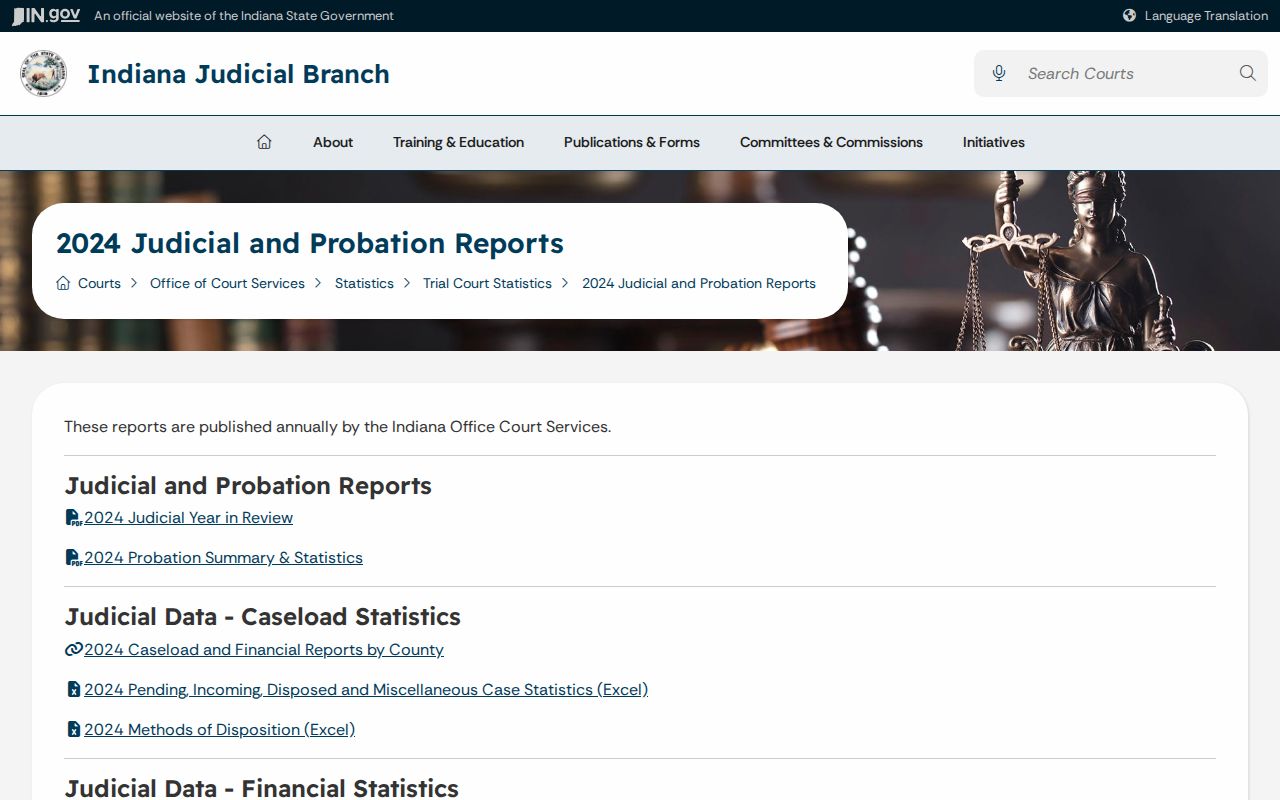
Aggregate workload cannot predict when one hearing starts or how long it lasts.
Two Vigo Dates in One Case
A case may display file, event, hearing, disposition, judgment, payment, and status dates. When two dates seem to conflict, identify their labels. One may mark filing while another schedules a hearing. A status date may be an administrative update.
Use the hearing panel and CCS together. If an event shows cancellation, scan for the later reset. Keep any notice and confirm its instructions with the court office.
Vigo City Court Schedule Caveat
Terre Haute City Court's official schedule page still displays a 2021 schedule. That old date prevents it from serving as current confirmation. Call City Court before relying on the posted time, though MyCase can still show the latest event.
The court's official page describes countywide jurisdiction. A notice outside the city may still point to 84H01. Search the court on the notice.
Vigo Same-Day Calendar Changes
Online data can lag a same-day action. A continuance or order can move an event. Check MyCase, but call the responsible office when travel or a deadline is close.
Give staff the court and case number. Ask whether the event remains set, whether a new order exists, and whether the time is an arrival time or session block. Staff can confirm facts, but not give legal advice.
Vigo Court Date Contact Path
Use the case number to identify the correct office before calling. The Vigo County Clerk serves the county courts, but each Circuit or Superior division manages its courtroom calendar. Terre Haute City Court is a separate lower court. The court code in the number points to the right path, and the notice may supply a direct division contact.
Ask focused questions: Is the listed event still set? Has a continuance or cancellation been entered? Is the time an exact hearing or a session block? Does the notice name a courtroom or other location? Staff can confirm calendar facts but cannot advise what argument to make or whether to miss an appearance. If no one can confirm a late change, follow the current court order and seek legal advice as needed. Save the latest notice and check the CCS again, since a new event may appear after the call.
Before leaving for court, compare the newest setting with the paper or electronic notice. Bring the case number, allow time for courthouse screening, and follow current device rules. A calendar listing cannot override a later order, so keep any updated notice and confirm unclear instructions with the responsible Vigo court office.