
Getting Vigo County Court Records
Indiana MyCase Public Access is the first stop for Vigo County court records. It displays public case headers, the Chronological Case Summary, hearing events, financial entries, and many public documents. Treat it as a convenience view. It is not the official court record. If a filing is missing, if the record predates the online system, or if you need certification, contact the Vigo County Clerk or the court office handling the case.
Pick your channel in a sensible order. Online works fastest for identifying a case. The clerk counter handles inspection and copy questions. A phone call works as a starting point too, and the clerk can explain mail or other delivery options. Indiana's court-record request instructions send county trial records back to the county clerk.
- Search MyCase and note the exact case number and court.
- Identify the filing, order, event date, or document needed.
- Call the clerk or visit the first-floor office to confirm access.
- Ask about mail, pickup, electronic delivery, and current charges.
- Request a plain or certified copy in the required form.
When Vigo MyCase Shows Less
Sometimes a CCS event shows up while its document will not open. That gap does not mean the document is private. It could be a paper filing, an older record, something skipped during conversion, or a public item available only from the clerk. Write down the event date and description before you ask.
Practical request: Give the Vigo County court identifier, case number, document name, event date, requested format, and whether certification is needed.
A blank search result is not proof that no record exists. Confidentiality, sealing, expungement, legacy data, a specialized portal, or the wrong court filter could explain it.
Vigo County Court Record Types
The CCS serves as the index and timeline. Behind those event lines, the broader Vigo County court file may hold the actual papers. What is there depends on the case type and Indiana access rules.
- Pleadings, complaints, petitions, answers, and motions
- Notices, service returns, affidavits, and public exhibits
- Hearing entries, orders, judgments, and dispositions
- Public financial entries and payment records
- Transcripts and certified court products when separately requested
Family, juvenile, probate, protection-order, and criminal files each carry different limits. Even a public case can hold a sealed attachment or protected data.
Vigo Document Center Is Different
The Vigo County Court Records Document Center is a different tool. It publishes local rules, forms, jury materials, notices, fee sheets, and department documents. Filters cover title, document type, division, topic, and year. For court procedure and older county publications, it is genuinely useful.
Do not mistake it for a live case docket. The repository reaches back to 1989. It also includes later runs from 2004 through 2026, so check the effective date on anything you open. An old fee notice or "Today's Docket" file is not current practice. MyCase remains the live public case search, and the clerk holds the official file.
Inside a Vigo County Court Record
Every Vigo County court record links one structured case identifier to parties, filings, events, and rulings. Consider the synthetic code 84D01-2608-CM-000123, which packs in the county and court code, filing year and month, case type, and sequence. It is not a real record.
| Case header | Case number, court, type, filing date, status, and related references. |
|---|---|
| CCS | Chronological filings, hearings, orders, dispositions, and administrative events. |
| Pleadings | Complaints, petitions, answers, motions, affidavits, and service papers when public. |
| Orders | Judicial rulings, judgments, and disposition documents available under the rules. |
| Financial data | Charges, credits, payments, and balance dates that may lag the clerk's ledger. |
Status is not disposition. A closed case can keep its public history, and one hearing result may not resolve the whole case.
E-Filing Is Not Vigo Browsing
Statewide e-filing through Odyssey delivers filings to the Vigo courts. But it creates no public submission queue. Attorneys file through the statewide process. Public docket research stays in MyCase. Party access can also show a different set of documents than an anonymous search would.
The Indiana e-filing system exists for filing and service, not for record searching. Once a filing is accepted, it may produce a CCS event. If public and remotely available, it may also produce a document link.
Fees and Certified Copies
A plain copy is just a reproduction. A certified copy bears the clerk's certificate or seal, which matters when an authenticated court record must go somewhere else. A judgment transcript is a specific judgment-related clerk product. A reporter's transcript differs from both a CCS printout and a photocopy.
| Item | Published statutory baseline |
|---|---|
| Copy or transcript page | $1 per page |
| Certificate under seal | $1 per certificate |
| Judgment transcript | $3 |
| Local service, delivery, or card charge | Confirm with the clerk |
For current fees statewide, the Indiana Trial Court Fee Manual is the best source. The available Vigo fee and payment sheets are older. Ask the clerk for a current total and accepted payment method before sending any funds.
Vigo County Clerk
33 South Third Street, Courthouse, First Floor
Terre Haute, IN 47807
812-462-3211
Vigo Court Records by Channel
Each route serves a different need. MyCase suits fast identification and many public documents. The county Document Center is best for rules and forms. The Vigo County Clerk supplies official copies, certification, historical-file help, and current ledger information.
| Channel | Best use | Limit |
|---|---|---|
| MyCase | Public case and CCS search | Not the official record |
| Document Center | Rules, forms, and notices | Not a live docket |
| Clerk counter or phone | Official copies and missing items | Confirm process and time |
| Mail request | Specific copy request | Confirm payment and delivery first |
To identify a case before making a request, use the Vigo County case lookup for the right search fields. Keep the body request narrow. Indiana agencies do not have to create a new record to answer a broad question.
Sealed Records and Public Access
Indiana court records are open unless a statute, court rule, or order restricts them. Access can be remote or through the clerk. Rule 5 governs confidential cases and documents. It covers protected juvenile, medical, mental-health, witness, and personal-identifier material along with other sensitive items. Some restrictions apply to a single filing rather than the whole case.
Key Indiana rules:
Access to Court Records Rule 4 sets the general public-access mechanism.
Access to Court Records Rule 5 identifies confidential cases, records, and data.
Access to Court Records Rule 9 governs requests for excluded records and court review.
Indiana Code 5-14-3-3 sits inside the broader Indiana Access to Public Records Act. Yet judicial records answer to court-specific access rules. A sealed item stays sealed. No clerk can simply wave a person past it. The only route is a verified request followed by a court order. Ask staff which rule or order governs a denial. But never ask them to hand over protected information on the side.
Vigo Records From Paper to Odyssey
Vigo County court records live in two worlds: old paper files and the newer Odyssey system. One 2003 records project pulled about 225 tons of records out of an attic. Vigo's courts joined Odyssey in stages over time. That staggered move explains a quirk in the docket. Converted event lines often look different from recent filings.
Material can be public yet missing from MyCase. Before concluding a file does not exist, make a precise request to the clerk. Both the historic and electronic systems turn on the same key facts: the exact court, the case identifier, the date, and the item you want.
Vigo Court Records Access Tools
Three Indiana sources clarify why a docket search, an official copy request, and a filing account are different doors. Each one answers a distinct question about Vigo County court records. The Indiana Courts public-records hub brings MyCase together with copy-request instructions and specialized record systems. That hub is the natural first stop for a Vigo County docket search.
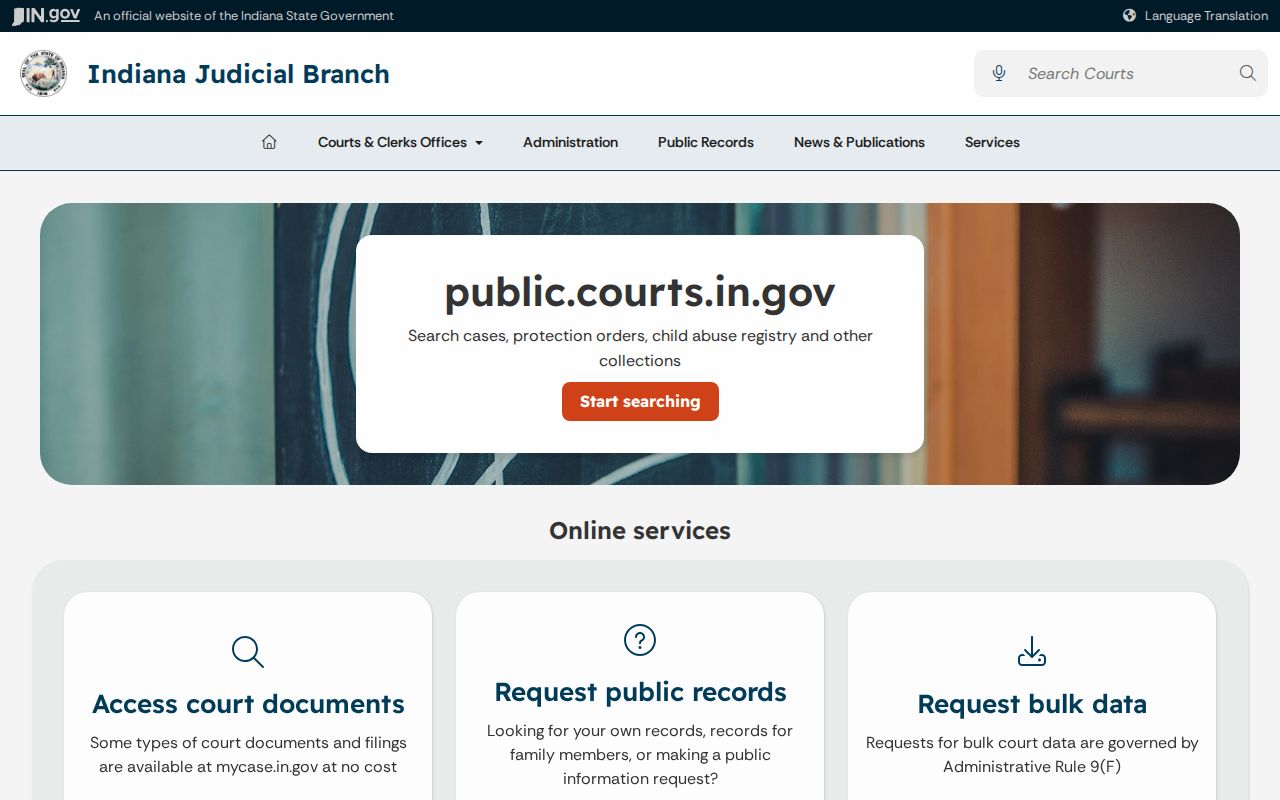
That separation matters in real cases. A public CCS event can be visible while the filing behind it stays offline. For what counts as closed, the current Indiana Access to Court Records Rule 5 lists confidential cases, documents, and protected data.
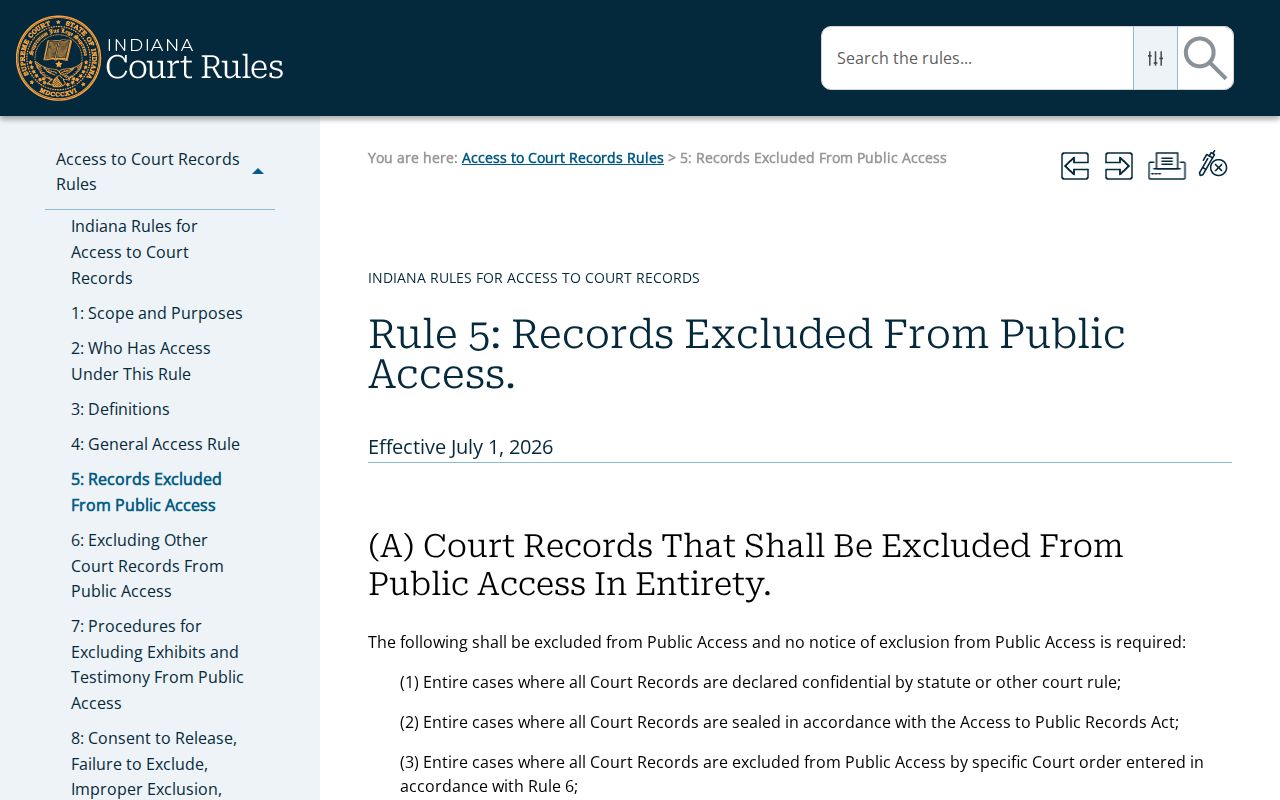
One restricted document does not close the whole case. Confirm the exact filing and the controlling rule with the clerk. For the mechanics, Indiana's statewide e-filing workflow walks through the filing path step by step.
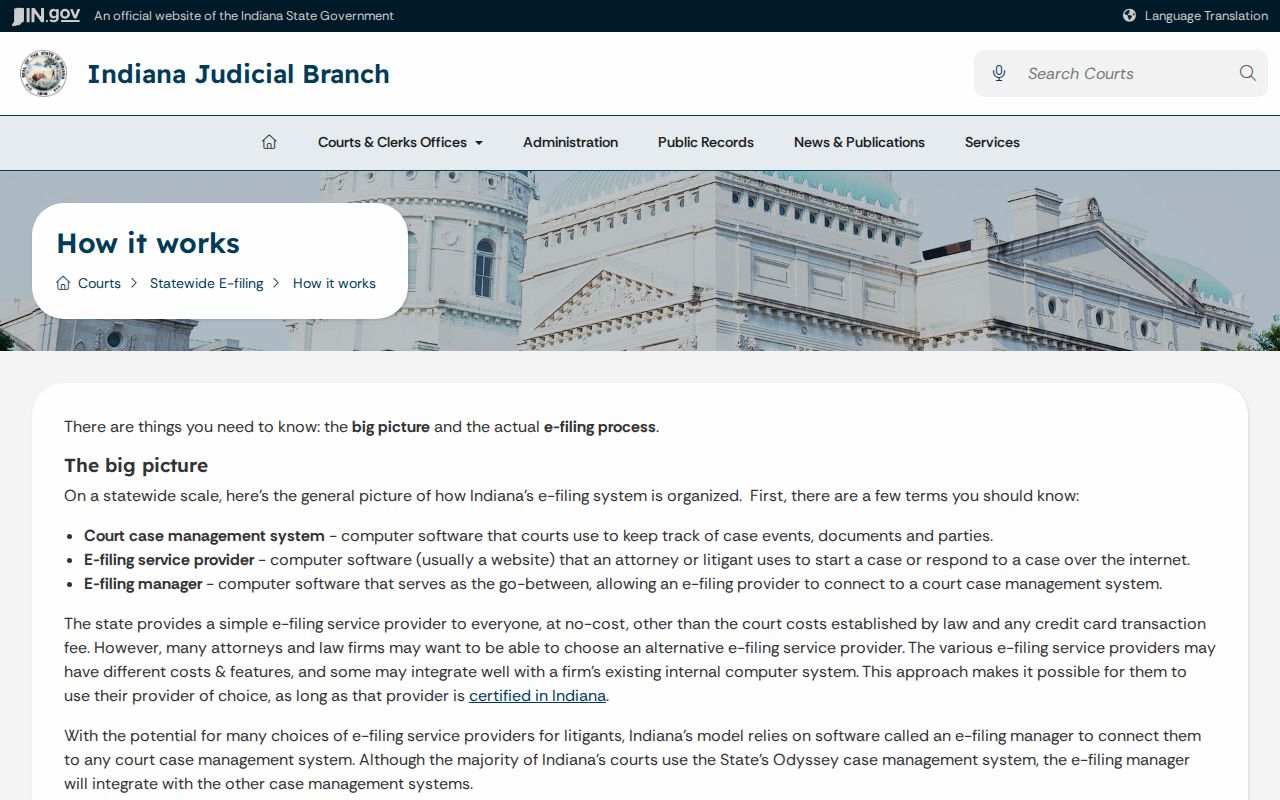
E-filing, in short, is a delivery system for court papers. It is not a public records browser, and it cannot outrun confidentiality limits on a docket.